 Pipeflow
AI images for social media
Images that look like your business.
Pipeflow creates AI images for your posts, with a headline and your name on them.
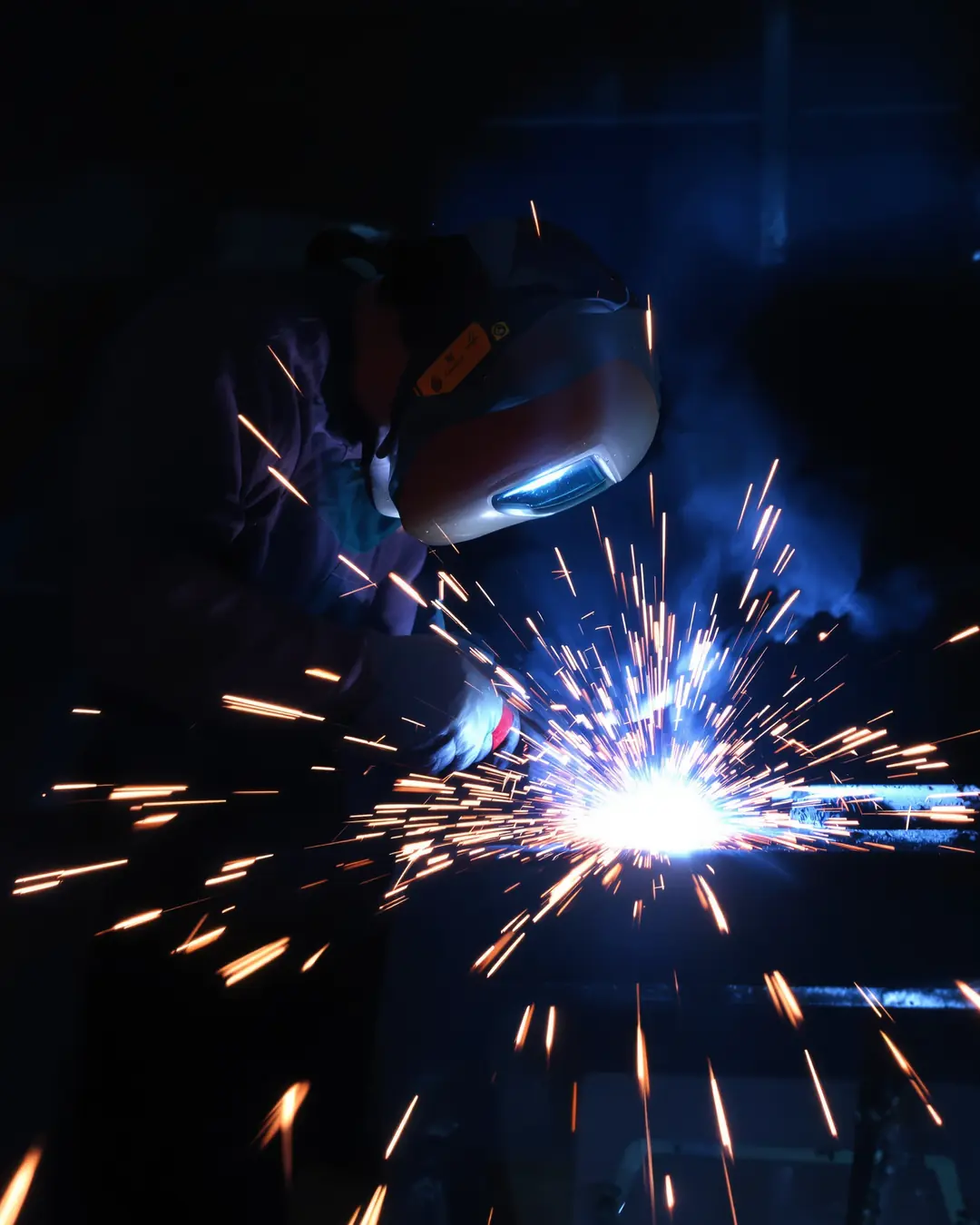
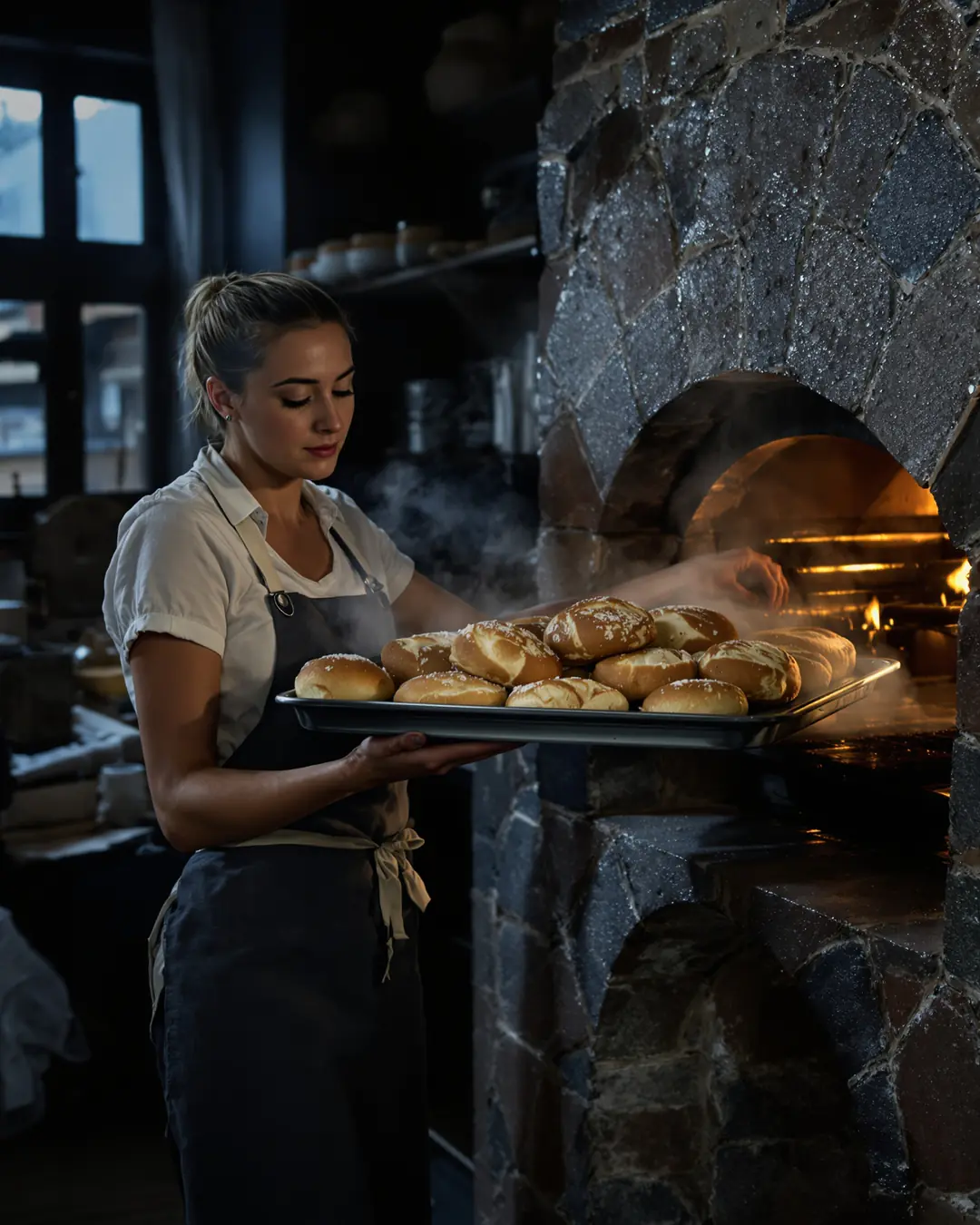
Looks real, not like a stock photo.
You say what you like. Pipeflow remembers it.
Every bit of feedback makes the next image better
Thumbs and stars
In the detail view of each AI image, you rate what works and what doesn't.
Reasons with one tap
For example "Looks real", "Regional", "Too generic" or "Text in the image".
Rules instead of chance
Pipeflow turns this into rules: prefer or avoid. You can see them in the settings and reset them.
Wishes and no-gos
You can set image wishes and no-gos that Pipeflow takes into account for the images.
When AI images fit.
For moods
A morning in the workshop, a table by the window, a calm treatment room. Pictures that show a feeling, not a specific product.
For explanations
A tip or a question from everyday life needs a picture, but not a photo as proof.
When photos are missing
At the start, hardly any business has enough pictures of its own. AI images bridge the gap until you do.
For seasons and occasions
A snowy farmyard in December, a spring morning in April. Seasonal pictures you could otherwise only take a year from now.
When real photos are better.
Your products and your work
If you sell a specific cake, kitchen or flat, show the real thing. Anything else creates false expectations.
Your team
People who work for you are shown with real photos and with their consent.
Before and after
Results must never look made up. Only the real photo counts here.
How to steer the images.
A wish
“Bright daylight, wood, hills in the background.” That way the images match your business and your area.
A taboo
“No big city” or “no faces from the front”. Pipeflow takes that into account for the next images.
A reason with one tap
An image looks too generic? One tap on the matching reason, and it becomes a rule.
Questions about AI images
How long does an image take?
Usually well under a minute. Pipeflow shows you the waiting time.
Do I have to use AI images?
No. You can use photos from your website, your own uploads or text tiles in your colours.
How many AI images do I get?
You set how many AI images are created per week yourself.
Do I have to label AI images?
The rules on this are still evolving, and the platforms have their own requirements. Being honest always works: never pass off an AI image as a real photo of your work. More in the guide to AI images.
Can the images look like my region?
Yes, you can steer them that way: with an image wish such as hills, wooden houses or orchards, and with the reason “Regional” when an image fits well.
Don't all AI images look the same?
Without guidance, often they do. That is why your feedback counts: reasons like “Too generic” or “Looks real” become rules, and wishes and taboos steer every further image.
Can I replace an AI image with my own photo?
Yes. You can add your own photo to any post, even shortly before approving.
What do I do if an image does not fit at all?
You rate it and tap a reason, so the next image gets better. For this post, you simply add your own photo.
Try it with your website.
Pilot phase: free to try. Nothing is published until you approve it.